
We've all been there. At the end of the day, on our way out of the office, we realize, "Oh shoot - I forgot to do …." Then we run back into the office and do the daily tasks that needed to be done earlier in the day.
We always have that one thing that doesn't get done because we forgot.
And here's the truth no one talks about enough: forgetting doesn't mean you're lazy, careless, or "not trying hard enough." It means you're human - probably a very busy human with way too many tabs (affiliate) open in your brain.
If you're a mom juggling school pickups, work tasks, meal prep, work deadlines, and the never-ending pile of laundry, your mental load is already maxed out. If you're someone with ADHD, your brain is literally wired differently - it's not a willpower problem, it's a working memory problem. And if you're anyone who's ever walked into a room and completely forgotten why you're there… welcome to the club.
The good news? You don't have to rely on your memory alone. You just need the right systems in place - ones that work with your brain, not against it. Read on to check out how to remember daily tasks.
Jump to:
- Key Takeaways
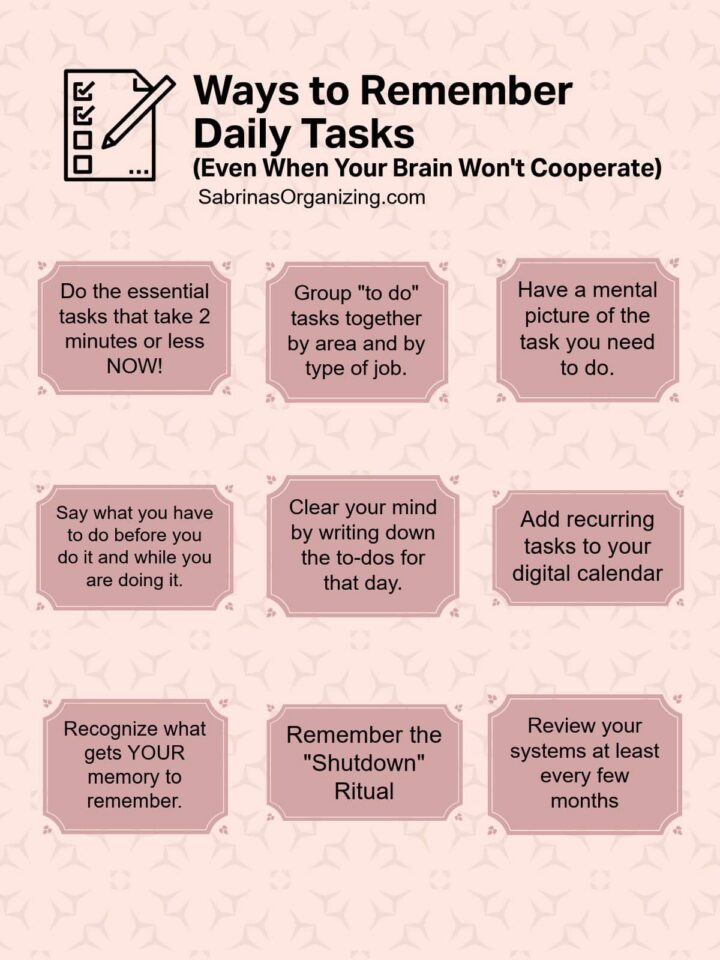
- Do the essential tasks that take 2 minutes or less NOW!
- Group "to do" tasks together by area and by type of job.
- Have a mental picture of the task you need to do.
- Say what you have to do before you do it and while you are doing it.
- Clear your mind by writing down the to-dos for that day.
- Notepad Planners and Sticky Notes Options
- Add recurring tasks to your digital calendar.
- Digital Calendar Options
- Recognize what gets YOUR memory to remember.
- Remember the "Shutdown" Ritual
- Review your systems at least every few months
- Examples of Tasks and Tips to Remember Them.
- A Final Reminder (The Most Important One):
- Here's your challenge:
Key Takeaways
- Forgetting tasks is human; it doesn't indicate laziness or carelessness, especially for busy parents, individuals, and those with ADHD.
- To remember daily tasks, use systems such as task batching, visual cues, and verbal reminders.
- Consider using a notepad for daily to-dos, integrating recurring tasks into your electronic calendar, and reviewing your systems regularly.
- Utilize tricks like anchoring items to existing habits and mapping out errand routes to streamline tasks.
- Finally, choose one new method from this article on how to remember daily tasks and start building the habit.
It can be tricky to remember everything you need to do, check out these hacks my clients and I have used to keep moving forward with our tasks.
Do the essential tasks that take 2 minutes or less NOW!
If it takes less than two minutes, don't put it on a list - just do it. The longer you wait, the more likely it is to disappear from your brain. For ADHD brains (affiliate) especially, "I'll do it later" often means "I'll forget it exists."
Group "to do" tasks together by area and by type of job.
This is called "Task Batching" or "Habit Stacking," and it's a game-changer. Instead of bouncing between unrelated tasks (which drains your energy and focus), knock out similar tasks together.
Moms, this is your secret weapon - batch all your errands into one outing, or handle all your phone calls during nap time.
Have a mental picture of the task you need to do.
Visualization is powerful. Before you move on to something else, take five seconds to picture yourself doing the task. See yourself dropping off that package or making that phone call. This creates a stronger memory trace, which is especially helpful for ADHD minds that struggle with "out of sight, out of mind."
Say what you have to do before you do it and while you are doing it.
This might feel silly, but talking out loud activates a different part of your brain and helps lock the task into your memory.
Say it: "I am going to put the permission slip in my bag right now."
Moms, teach your kids this trick too - it works for all ages!
Clear your mind by writing down the to-dos for that day.
A "brain dump (affiliate)" is one of the most freeing things you can do, especially if you feel overwhelmed. Grab a notebook, a sticky note, or the notes app on your phone and just get it ALL out of your head. You can organize it later.
The goal is to stop carrying everything mentally. For ADHD brains (affiliate), this is essential - your working memory has limited space, so free it up!
Some brains like sticky notes (affiliate), I know I do!
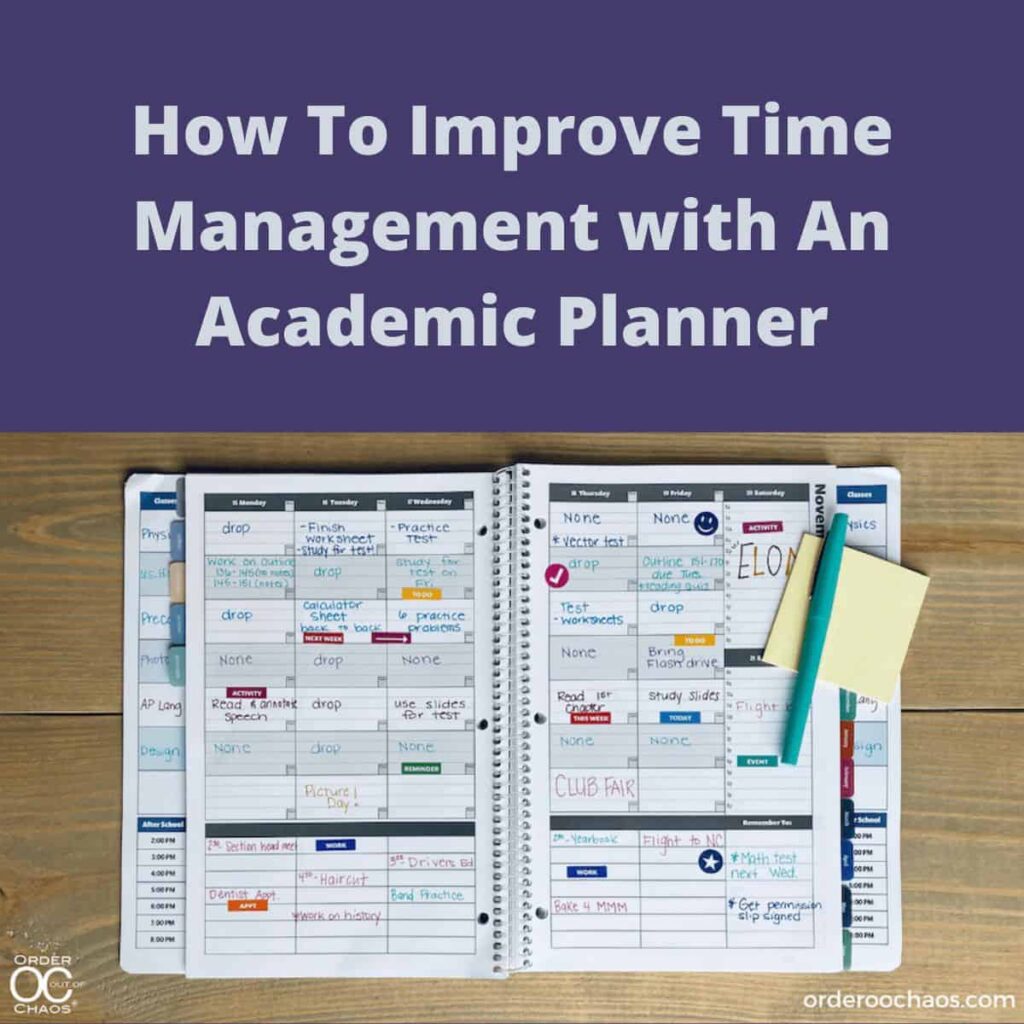
If you have a lot of sticky notes (affiliate) with tasks on them. Get a notepad or your daily paper planner, and just stick it in the day of the week you plan to do the task. It works great! I find it helps remove it from my mind, and when the day comes, I can see the sticky note tasks again.
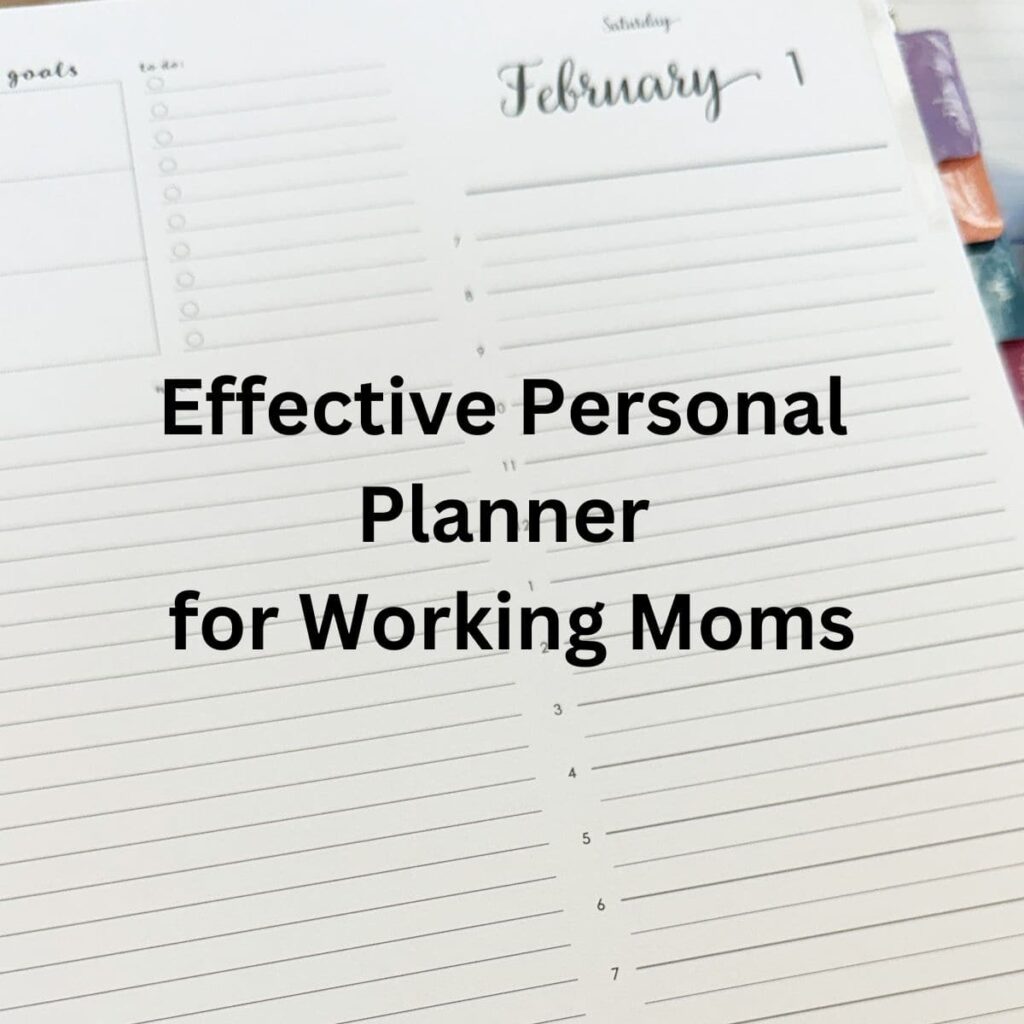
Notepad Planners and Sticky Notes Options

Planner Notepad 2-Pack (5.5x8.5)
Buy Now →
Post-it Super Sticky Notes, 3x3 in, 24 Pads
Buy Now → Buy Now →
 (affiliate)
Add recurring tasks to your digital calendar.
Set it once and let technology remember for you. Weekly grocery runs, monthly bill payments, daily medication reminders - automate everything you can. Pro tip: Set your reminders 10-15 minutes before you actually need to do something, so you have a buffer.
Digital Calendar Options
 Buy Now →
Digital Calendar by Cozyla -15.6'' Wall Planner Touch Screen Chore Chart Customize Dashboard
Buy Now → Buy Now →
 (affiliate)
Recognize what gets YOUR memory to remember.
People have different ways to keep and recall things.
Some people are visual (they need to see things to remember what to do).
Others are auditory (they need to hear things to remember).
Some are kinesthetic (they need to physically do something to remember).
The trick is to figure out which method works for you - and then build your systems around that. There's no wrong answer here.
Remember the "Shutdown" Ritual
The shutdown ritual is a consistent routine (affiliate) you follow before leaving a space, a room, a project, or even at the end of the day to make sure your tasks are put away. Some of these tasks could be:
- File finished bills papers away from your desk.
- Gather the bag, keys, kids' things, packages to ship, etc., and place them near the door.
- Review your calendar, check off the tasks you completed, and move any remaining tasks to the next day.
Review your systems at least every few months
Taking a moment to review the systems you have in place to ensure they are still effective is important for keeping the process going, even when things change. Visit your digital appointments. Do you need to adjust the time required to complete these tasks? Are the tasks in the right place so you can spend time on them?
Examples of Tasks and Tips to Remember Them.
Here are some examples of tasks and tips to help you remember these daily tasks:
Paying your bills on time:
Use "Auto Pay" for your bills and "Direct Deposit" for your paycheck through your bank. Use Bill Pay through your bank. Automation is your best friend - the fewer things you have to actively remember, the better.
Don't have money for something right now, but want to buy it later? Take a photo of the item as a reminder for the future. Create a "Wish List" album on your phone so everything is in one place.
Remembering to call someone:
Make your phone's calendar your best friend. Add an alarm to each appointment - and don't just set one reminder, set two. One for the day before, and one 30 minutes before. Moms, this is a lifesaver for scheduling doctor appointments, school events, and those "I need to call the insurance company" tasks that keep getting pushed off.
Needing to grab items to take with you:
If you need to take something with you, put it next to the things you usually take every day, like your phone and your keys. This is called "anchoring" - you're attaching the new item to an existing habit.
If you need to take larger items with you when you go out, place them in front of the door so you literally cannot leave without seeing them. Some people even put their car keys on top of the item so they're forced to pick it up.
If you need to take papers with you, place them on the front seat of the car the night before. Future-you will thank you.
Remembering chores when you are out and about:
Write down the order of what you need to do and where you need to go first, second, etc. Use each place's location to determine the task order - this saves time, gas, and mental energy. Moms running Saturday errands, this one's for you: map out your route before you leave the house!
Chores to remember when you are in your home:
Write up lists of what needs to be done in the morning and evening, and refer to them regularly.
Post them where you'll see them - on the bathroom mirror, the fridge, or next to your coffee (affiliate) maker.
For ADHD minds, a laminated checklist (affiliate) you can use with a dry-erase marker every day adds a satisfying visual cue and a little dopamine boost when you check things off.
Use vitamin sorters to remind you if you took your vitamins in the AM and PM. This simple visual system removes the guessing game of "Did I already take those today?"
A Final Reminder (The Most Important One):
We have many tasks to do, and we should take the time to make sure they get done. But here's what I really want you to hear:
We don't always remember everything - and that's OK.
You are not failing, and you are not broken. You are managing a LOT. Whether you're a working parent trying to keep all the plates spinning, someone whose ADHD brain moves faster than any to-do list can keep up with, or simply a person who's tired of forgetting things, give yourself grace.
We don't have to keep these lists in our heads if we create ways to track tasks outside our heads. That's not cheating - that's being smart.
Here's your challenge:
In the next few days, pick just ONE new system from this list and set it up. Not five. Not all of them. Just one. Start small, build the habit, and go from there.
You've got this. And if you forget? That's what the reminder on your phone is for.
Visit my other posts on time management.








Linda Samuels says
I'm with you, Sabrina. There are so many tasks to get done each day. It's helpful to figure out cues or reminders to help. After all, it's hard to keep everything stored in our brain. I use my electronic "2Do" app as my cueing system. But I also use old school sticky notes positioned here and there (like on the door leaving the house" or on my planner to remind me of things too. I also set alarms to help with auditory cueing when needed too.
Seana Turner says
I live and breathe by my planner, where I record everything I need to do. I am a strong believer in having a staging area for what I need tomorrow. That system has helped me over and over to make sure I have what I need. I love your comment about saying "out loud" what you are doing. Engaging that auditory cue is a great way to ensure you both do and remember that you did it!