
Starting a new job can be scary for anyone, but especially a 20-something person. Your brain is juggling 47 things right now, and one more Slack message might break you.
You are on a Zoom call meeting, take mental notes, nod confidently, and leave feeling productive. Then, 20 minutes later, you forget everything. The task your manager mentioned? Gone. You are not forgetting because you are careless. You are forgetting because your brain was never designed to be a filing cabinet (affiliate).
There are ways to help remember all these tasks. I'm going to share methods that will help you create systems to never forget a Task at Work. These tasks are from my personal experience and from others I work with, and I've found that they keep us all on track with what needs to be done and finished on time. Sound good, let's begin!
Jump to:
Key Takeaways
- Starting a new job can overwhelm anyone, especially those in their 20s; forgetting tasks is common due to cognitive overload.
- Capture every task immediately using a universal inbox, voice memos, and integrating tasks from meetings and Slack.
- Process your task inbox daily by deleting unnecessary info, completing quick tasks instantly, and assigning due dates to everything else.
- Time-block tasks in your calendar, treat them like meetings, and leave buffer times to prevent burnout.
- Avoid common mistakes such as having multiple task locations and vague task descriptions to effectively never forget a task at work.
Why Your Brain Keeps Dropping Tasks
Human working memory holds about four chunks of information at a time. Meanwhile, you may be getting pinged across different platforms, having to attend meetings in person and online, back-to-back, and switching between projects. The brain can't do it all; it is not failing you.
When you rely on your memory alone, you are bound to fail, get stressed, feel overwhelmed, and drain your energy. It's time to stop the madness.
The fix is to offload the job to a trusted system. Resulting in feeling more confident, thinking clearly, and feeling less stressed.
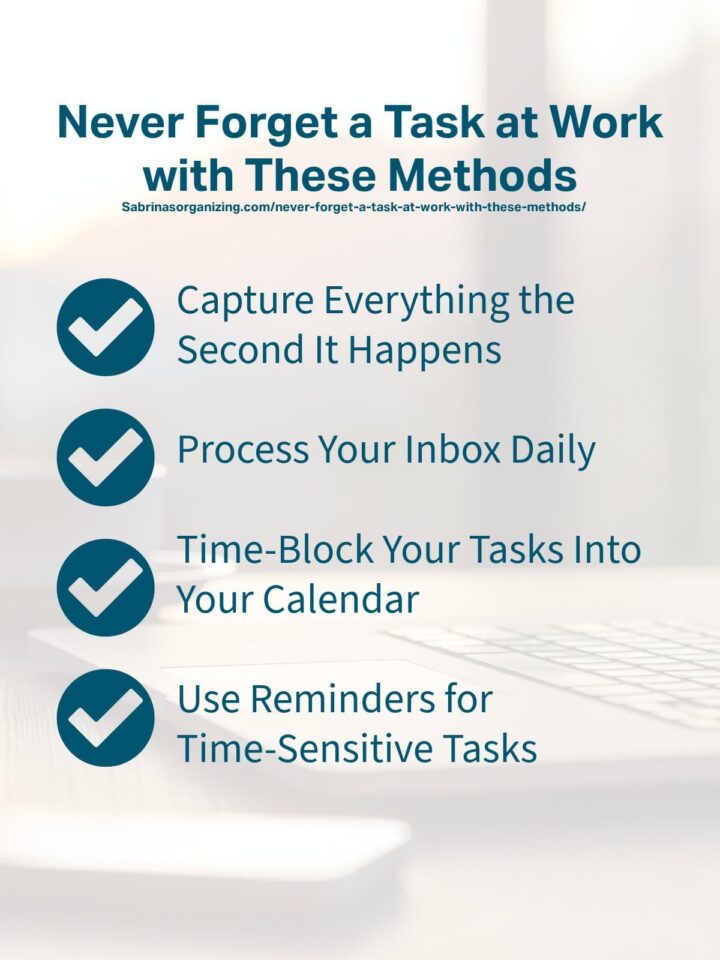
Capture Everything the Second It Happens
The first thing you need to get in the habit of doing is writing down every task immediately. Remind yourself that if it isn't written down, it will not get done. It is a necessity, not an option.
But, where do you write it down? Here are ways to make capturing easier:
Use one universal inbox.
Pick a single place where every task lands first. This could be a notes app, a task manager, or even a physical notebook. The tool does not matter. What matters is that it is always with you and you use it religiously.
Voice memos are your secret weapon.
Walking between meetings? Driving home? Capture tasks verbally. Most phones let you record a voice memo in two taps. Later, you can process them into your system. Here is how to make a voice memo on iOS, and you can download the voice memo app on the Google Play Store.
Meeting notes go straight into your task list.
Do not take notes in one place and tasks in another. As soon as an action item pops up in a meeting, it goes directly into your task manager with a due date attached.
Slack messages become tasks instantly.
Use built-in reminders or integrations to turn messages into trackable to-dos. If someone asks you to do something in Slack and you do not capture it immediately, you will forget it. Visit the "How to set a reminder in Slack" page for instructions.
The goal is to make it as easy as possible to track and log these tasks. The longer it takes to gather the information and write it down, the more likely you are to forget.
Process Your Inbox Daily
The next system you should have in place is to process your inbox daily. Don't leave it till the end of the week or Monday morning. The goal should be to clear out as much as possible at the end of each day. All you need is 10 minutes each day to do these steps.
Delete unnecessary info.
First, delete what does not matter. Not everything you keep is important. Some tasks lose relevance in just a few hours. If it is no longer worth doing, delete it without guilt.
Do it now if it takes under two minutes.
This is one thing that I feel is super helpful for me. It's empowering to just delete without overthinking. If someone asks a question in an email and you can respond right away, do so. Doing these tiny tasks immediately clears space and keeps momentum high.
Assign a due date to everything else.
Every task needs a deadline. When we worked a lot with paper, we used sticky notes (affiliate) to set deadlines to create an easy-to-follow priority order. You can do this digitally, too! If it has no deadline, it will float in your list forever and create decision fatigue every time you look at it.
Break big tasks into smaller actions.
If a task feels vague or overwhelming, it is too big. Break it into the smallest possible next step. Instead of "finish report," write "draft intro section for report."
I'm all about small tasks. It's important not to think of the entire project; smaller tasks are more manageable and easier to get done. Resulting in more dopamine to get you going on the next task.
Add context when needed in your notes.
If a task is not self-explanatory or there are several facets, add a note. Add an email link to the relevant email, doc, or Slack thread. You can easily save lots of startup time by just spending a few minutes by adding notes. Learn from my mistakes. It will save you so much frustration and anxiety just spending an extra few minutes to write notes.
It's not busy work; it's a way to create a system without stressing you out, and it helps you get things done.
Time-Block Your Tasks Into Your Calendar
A goal without a plan is just a wish," attributed to the French writer and aviator Antoine de Saint-Exupéry (1900–1944) Learn more: Never Forget a Task at Work with These 6 Methods Share on XYour to-do list tells you what you want to do, but your calendar tells you when to do it. If you have tasks that compete for your attention with every other task, meeting, and distraction that comes up, it will never get done. I'm going to show you an effective way to use time-blocking.
Treat tasks like meetings.
Write these tasks directionally in your calendar with a beginning and end time. Keep in mind that if it is on your calendar, it is protected time and can not be waived. Set up an alarm for the start time to remind you to stop what you are doing and work on the task.
Block out deep work time first in your calendar.
Set your hardest tasks for your most alert time of the day - those times you are most awake and have the best energy to focus on complex situations. I found that for me, it is the first thing in the morning. However, I have had clients who prefer after noon or in the evening, after dinner, or after 9 PM.
Batch similar tasks together.
Batching has become popular over the years, and it works perfectly. Some examples of batching tasks are responding to emails, updating spreadsheets, and doing bills. I found that if I am doing something creative, like writing, I batch all my creative tasks at once. And if I am doing things like spreadsheets, I like to batch all these tasks at once. Constantly switching between tasks actually takes up more time.
Leave buffer time between blocks.
Back-to-back tasks may look efficient on paper, but lead to burnout real quick. Give yourself 10 to 15 minutes between blocks to reset, stretch, or deal with overflow. I like to do this to catch up on those small 2-minute tasks like catch up on emails.
When you have a calendar you can trust, you will stop relying on motivation to get tasks done. The time is already reserved. All you have to do is show up and do. Time blocking removes the guesswork and eliminates the mental clutter that makes you ask, what is next.
Use Reminders for Time-Sensitive Tasks
The next step is to set reminders. Deadlines, meetings, follow-ups, and commitments to others need an extra layer of insurance to make sure you do not forget them. This is where reminders help. A good reminder is not a passive notification you swipe away. It is a forcing action that puts the task directly in front of you at the exact moment you need to do it. Below are some strategic tips for setting reminders:
Time-based reminders for deadlines.
Set an alarm 24 hours before a deadline and another one an hour before. If your calendar only allows one alarm, you can create another appointment for the alarm closer to the deadline. This gives you a buffer to handle unexpected issues.
Location-based reminders for errands.
If you need to grab something from the office supply closet or talk to a coworker in another department, set a reminder that goes off when you are near that location. I have never done this, but it seems super helpful.
Below are some apps to use to do this:
Google Keep (Android/iOS) app: Create a note, tap "Remind me," and select "Pick a place" to set location alerts.
Apple Reminders (iOS/macOS): Create a task, tap the "info" button, toggle on "Location," and choose "Arriving" or "Leaving".
Todoist: Use geo-fenced tasks to trigger notifications when arriving at or departing from a specific area.
Recurring reminders for regular tasks.
Weekly check-ins, monthly reports, or quarterly reviews should have automatic recurring reminders. Set them once and let the system handle the nagging for you.
I have used recurring remindersn my business for a long time now. Since it is just me, I do find that this helps a lot. I put tasks on my calendar for client meetings, and then each week I know what I am doing when.
Follow-up reminders after meetings.
If you commit to sending something after a meeting, set a reminder for later that day or first thing the next morning. Do not rely on your post-meeting brain to remember. Make sure you add these tasks to future time slots to get them done on time. Coworkers and bosses want to know they can rely on you.
Reminders can be utilized in a variety of ways without you doing too much. They will catch you when you get distracted. And, your brain will thank you.
Common Mistakes That Sabotage Task Memory
You can have the best system in the world and still drop tasks if you are making these mistakes. Below are some common mistakes that may stop you from remembering tasks.
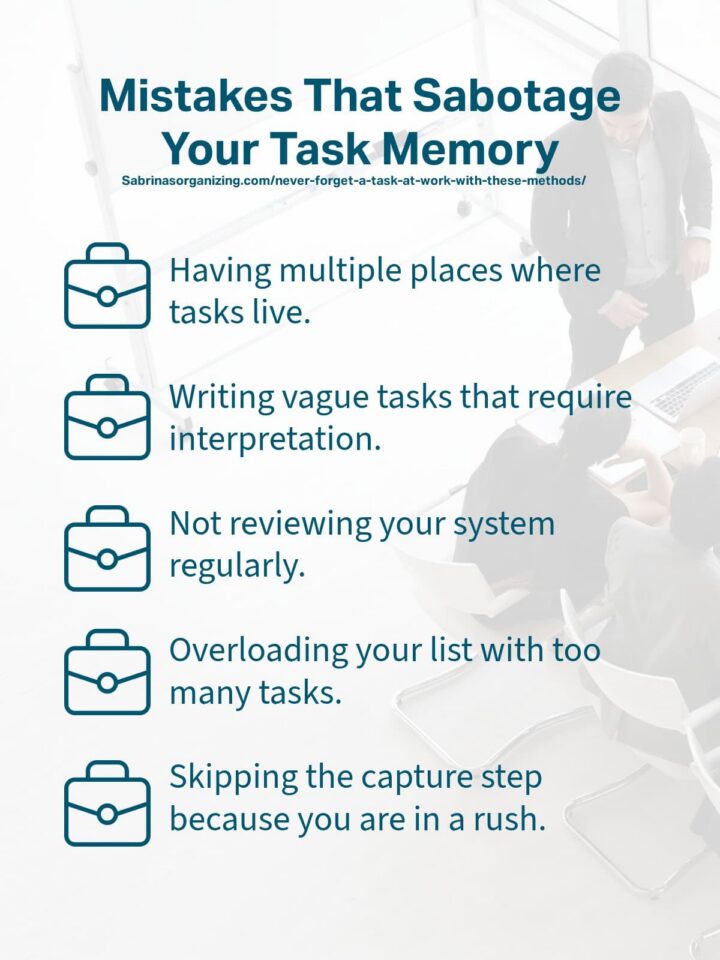
Having multiple places where tasks live.
Having tasks in a variety of places can make you forget what is important to do and when to do it. Keep tasks in one place a commit to it.
Writing vague tasks that require interpretation.
Vague notes or tasks will not remind you what to do. Be specific. "Talk to John about the Report" won't work. Instead, try "Talk with John about the updated timeline for the Q2 P&L report." The more specific the task description, the better.
Not reviewing your system regularly.
An unreviewed task system becomes a graveyard of outdated and uncompleted tasks. Review these tasks weekly. Doing these tasks on a quiet Friday afternoon will let you leave work at work during the weekend.
Overloading your list with too many tasks.
If your daily task list has 30 items, you have set yourself up for failure. Prioritizing should be done ruthlessly. Pick the three to five most important tasks for the day and protect those. Everything else is secondary. I found that if you easily get distracted, try just three important tasks.
When you eliminate these mistakes, your system will become rock solid and tasks will not disappear, deadlines will be met and you will feel in control.
Conclusion
You do not need a perfect memory to be great at your job. You just need a system that is better than your memory. These steps will help you get there and stop you from scrambling at the last minute. Let's continue the conversation. What steps will you take this week to get yourself to never forget a task at work? Please leave a comment below. I would love to hear from you.
Do you need help being accountable for your tasks? Check out my Virtual Organizing Service. We can work together to get you on track.
Read more about productivity!











Leave a Reply